
Thousands of short dramas
A large, growing library across romance, revenge, CEO, werewolf and fantasy — with fresh titles added often.
WinDrama is a free Android app with thousands of bite-sized vertical dramas — romance, revenge, CEO, werewolf and fantasy. Every episode is free to watch, and the coins you collect along the way turn into diamonds you can cash out to your local e-wallet.
Free to download · No account needed to start watching
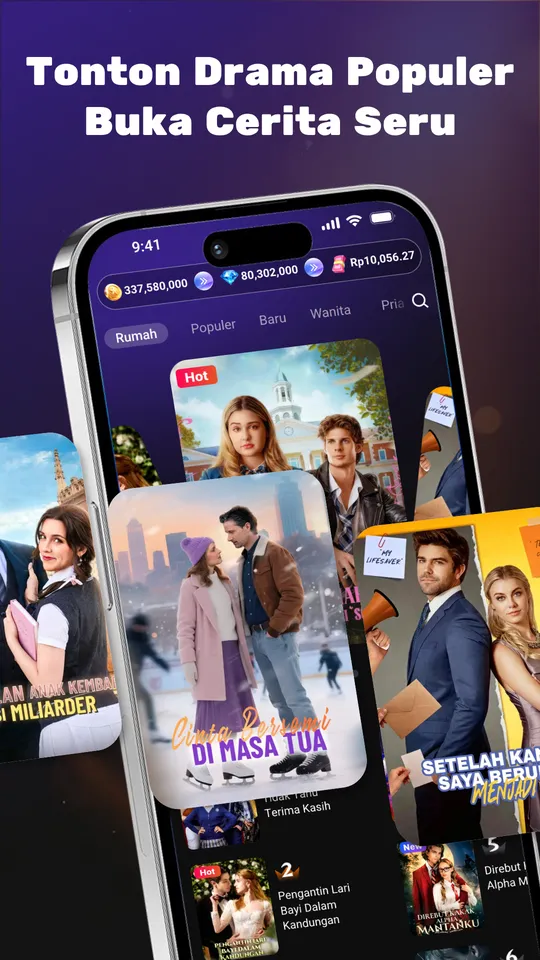
Built for binge-watching on the go: fast, free, vertical, and worth your time.
A large, growing library across romance, revenge, CEO, werewolf and fantasy — with fresh titles added often.
Swipe up for an endless stream of full-screen dramas that starts the next story instantly.
A reward ring fills up as an episode plays. Claim it without leaving the story.
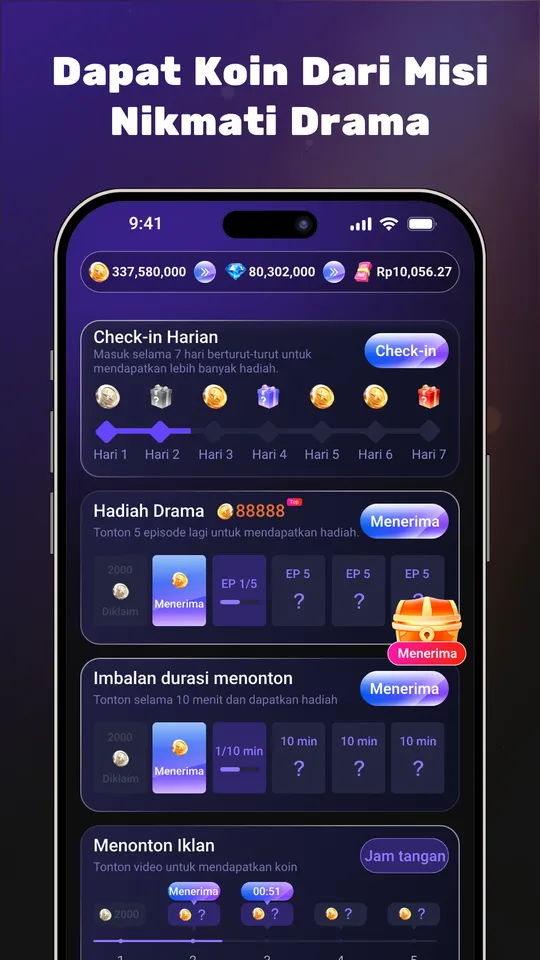
Keep a seven-day check-in streak and clear episode, watch-time and video tasks for more coins every day.
Exchange coins for diamonds from the balance bar in one tap — the value stays exactly the same.
Withdraw diamonds in local currency to a supported e-wallet in your country.
Four steps. No sign-up hurdles, no paywall in between.
Get the app free on Google Play and open it — no account required to start watching.
Browse by genre and ranking on Home, or just swipe the For You feed until something grabs you.
Check in daily, clear tasks and claim rewards while you watch, then swap your coins for diamonds.
Reach the minimum for your country, bind your e-wallet in the app, and submit a withdrawal.
Some rewards are unlocked by watching a short sponsored video first. Coin values, exchange rates and withdrawal amounts vary by country.
Browse, watch, earn and track — all in one clean, dark interface.
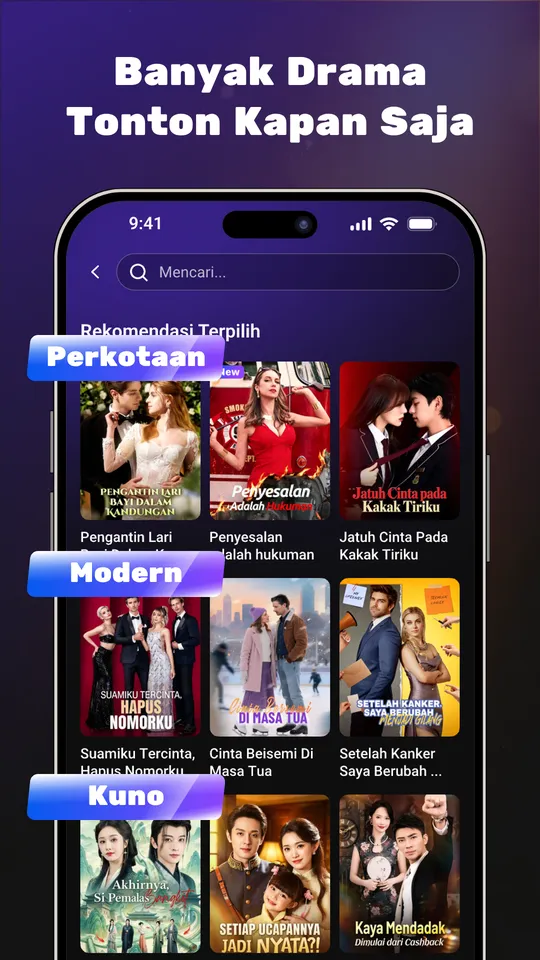
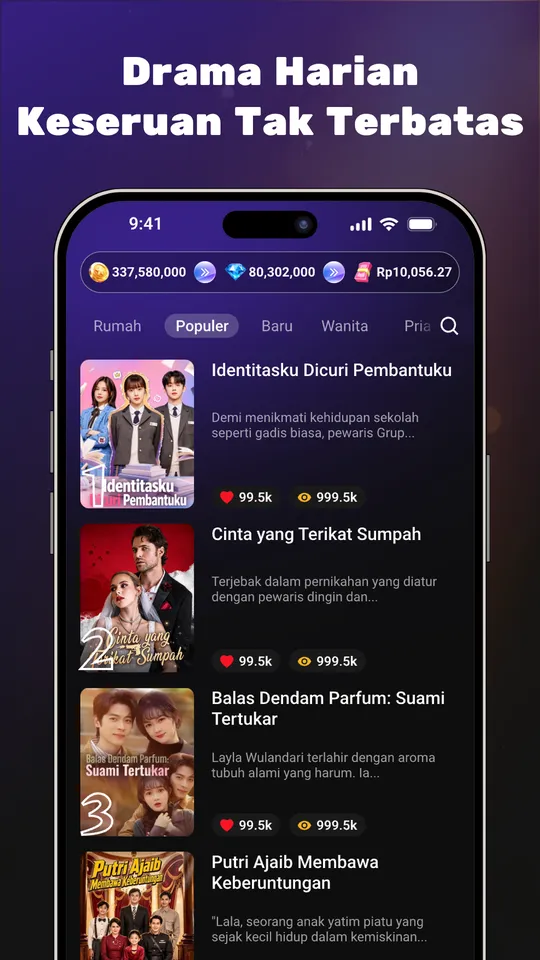
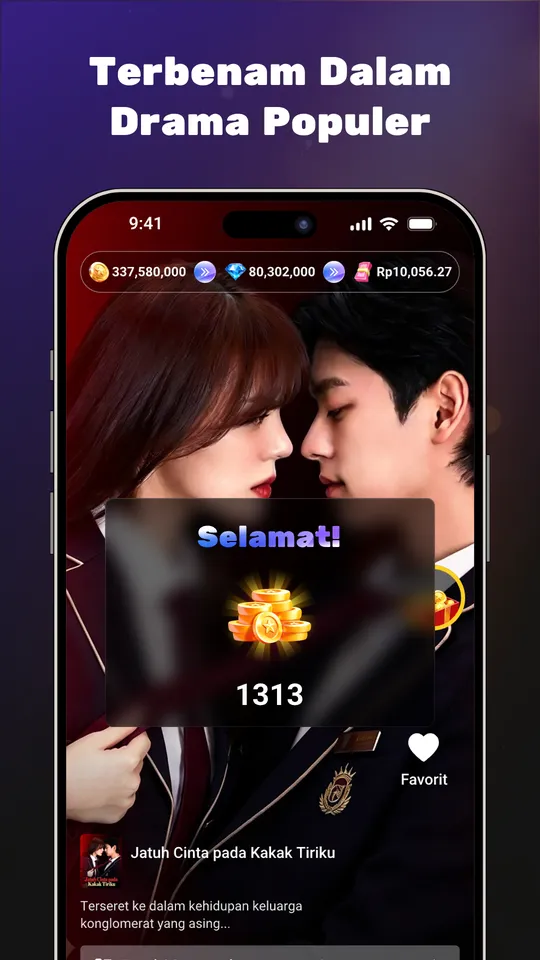
Everything you need to know about watching and earning on WinDrama.
WinDrama is a free Android app for watching short, vertical dramas — fast-paced series told in bite-sized episodes you can finish in minutes. While you watch, you also collect in-app coins that can be swapped for diamonds and cashed out to a supported local e-wallet.
Yes. WinDrama is free to install and every episode in the library can be watched at no cost. There is no subscription and no purchase is required to unlock episodes.
Coins come from a daily check-in streak, episode tasks that count how many episodes you watch, watch-time tasks that count how many minutes you watch, video tasks, the reward chest, and the reward ring that fills up while a drama is playing. Some rewards are unlocked by watching a short sponsored video first.
Diamonds are the balance you withdraw. Swap your coins for diamonds from the balance bar at any time — the exchange keeps the same value — and diamonds can only be used for cash withdrawals.
Yes. Once your diamonds reach the minimum amount for your country, you can withdraw them to a local e-wallet account that you bind inside the app. Each request is reviewed before it is paid out.
WinDrama currently supports Indonesia, Vietnam, Brazil and Thailand. Withdrawals are paid to a supported local e-wallet; the available options are shown on the withdrawal screen for your country. More markets may be added later.
A growing library of vertical short dramas across romance, revenge, family, CEO and billionaire, werewolf and fantasy themes, with new titles added regularly.
WinDrama is an Android app and runs on Android 7.0 and above. There is no iOS version at the moment.
Yes. WinDrama keeps your watch history and favorites in My List, so you can pick up any drama at the episode where you left off.
No. You can install the app and start watching straight away. Account details are only needed when you bind an e-wallet to withdraw.
Download WinDrama and start watching free short dramas today.